
GenAI Buttons
The GenAI buttons let users perform AI text summarization or generation on an application page.
Primary Button
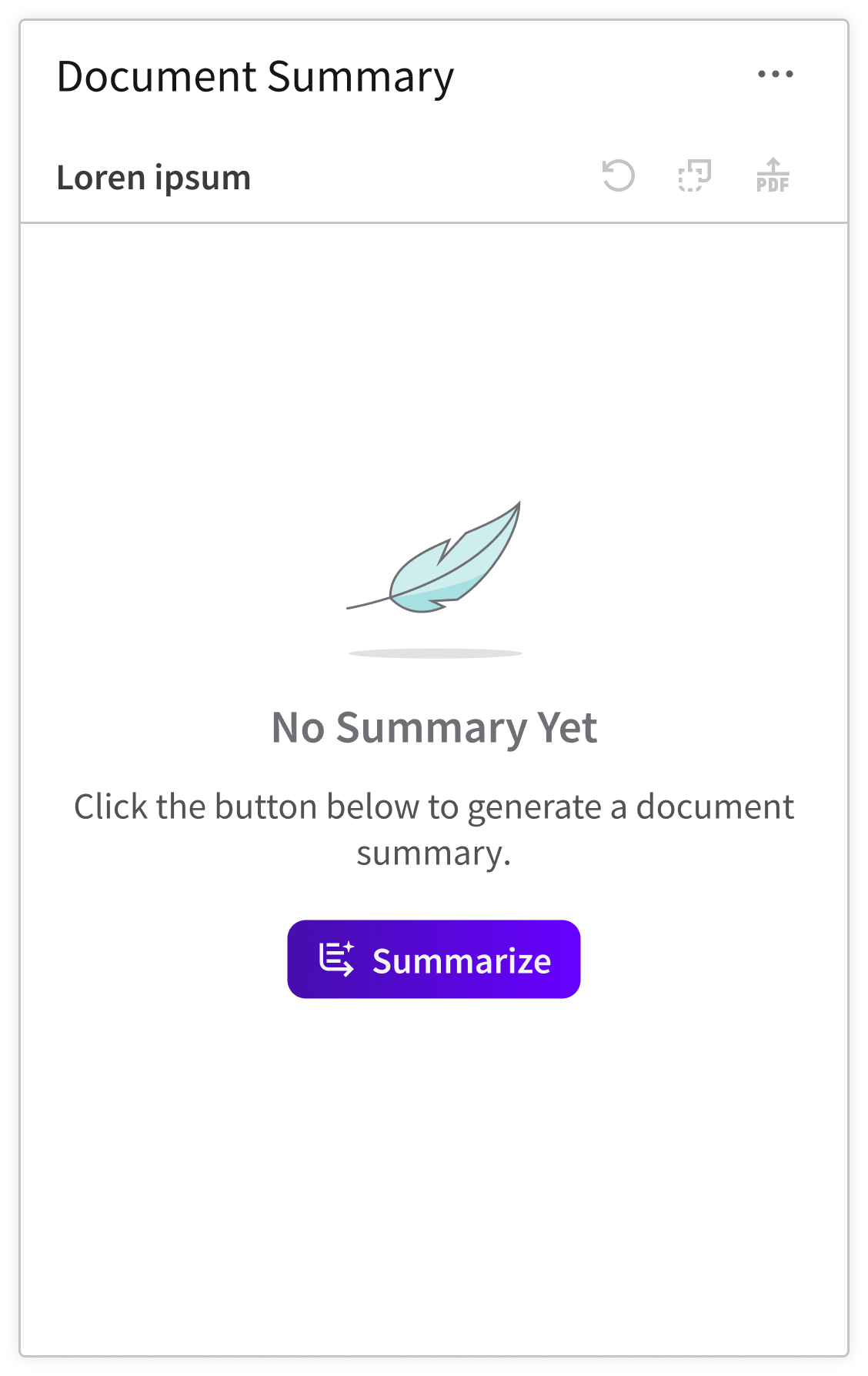
Use the primary button when the main action is on-page generation.
Secondary Button
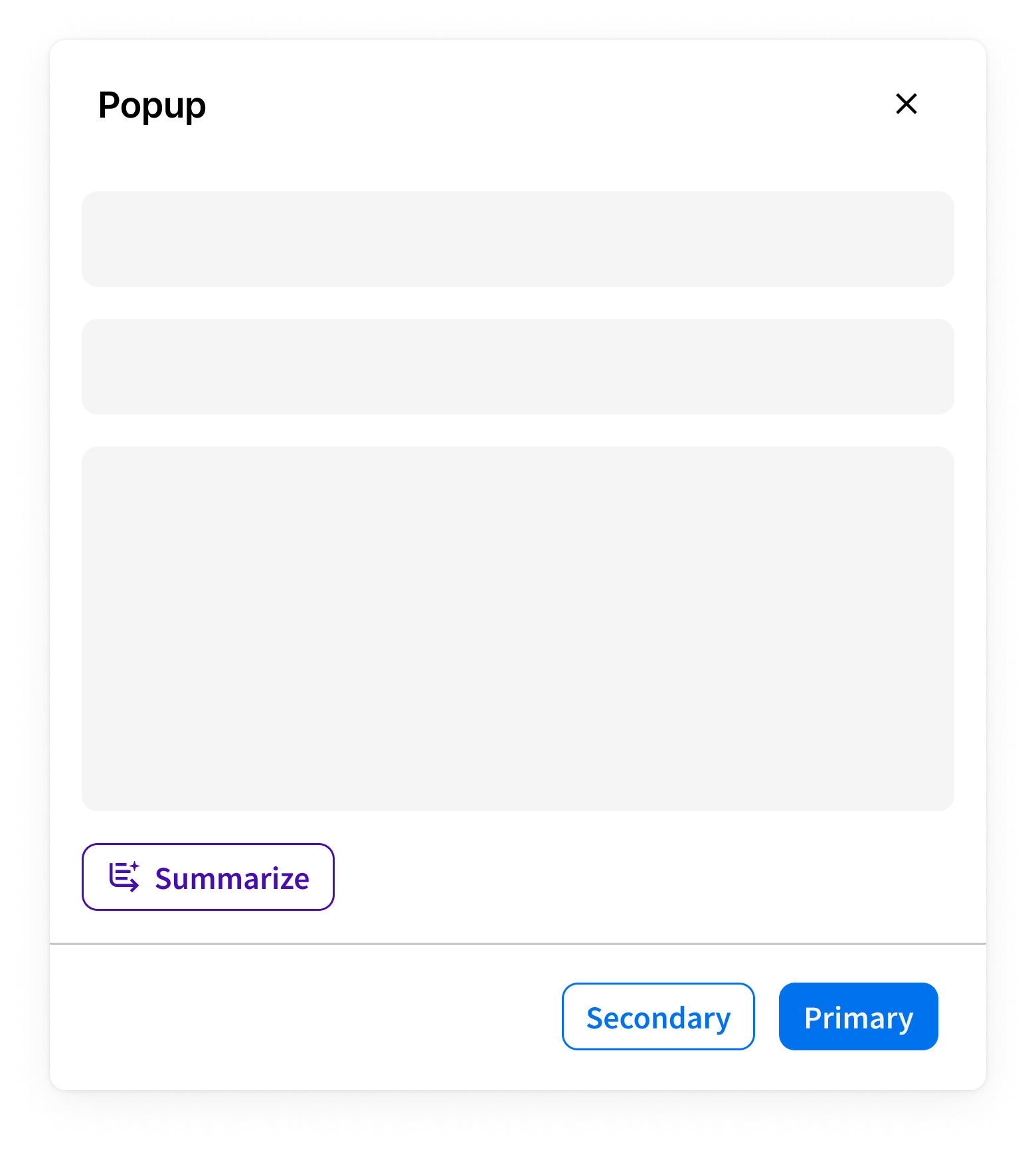
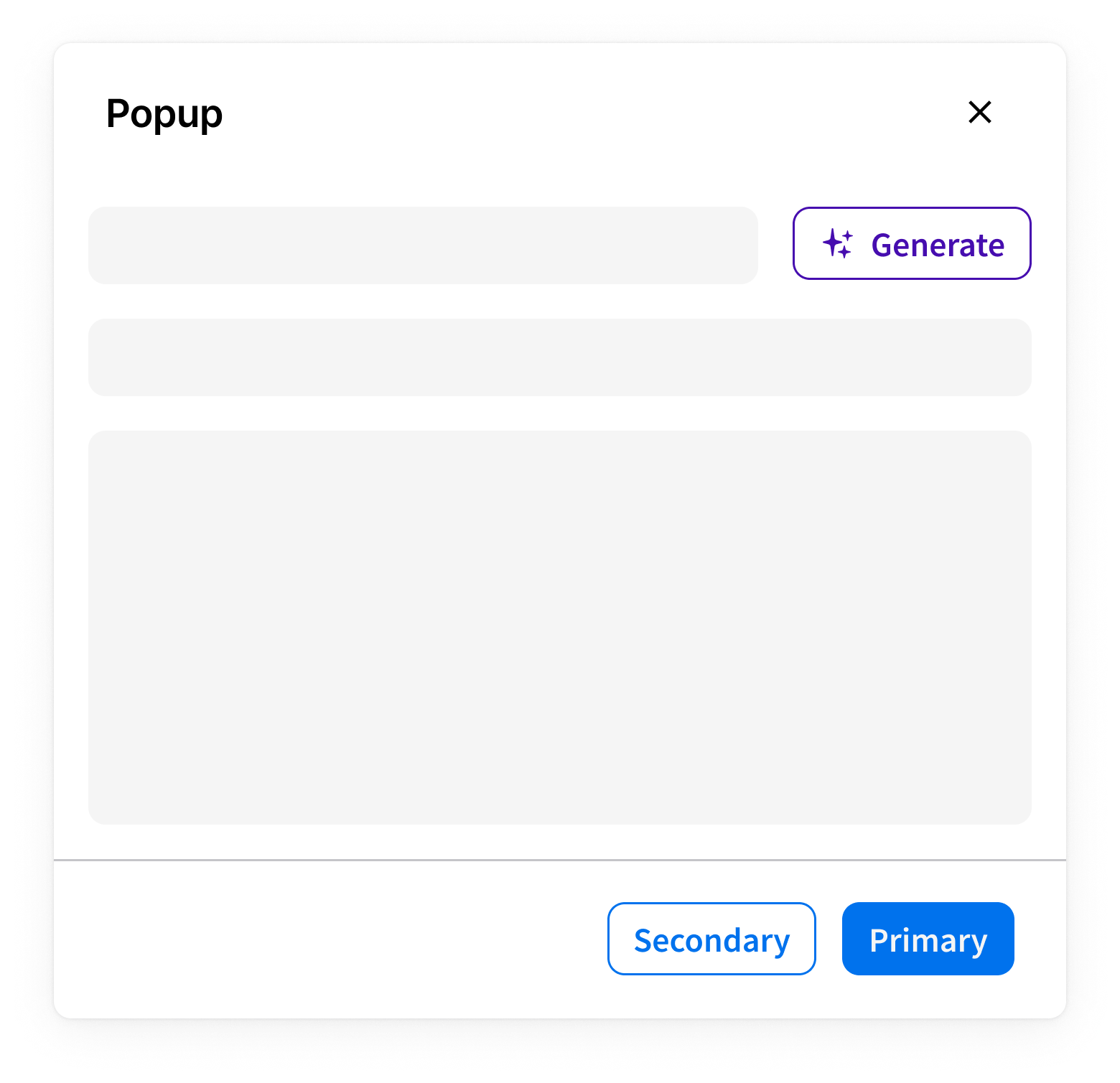
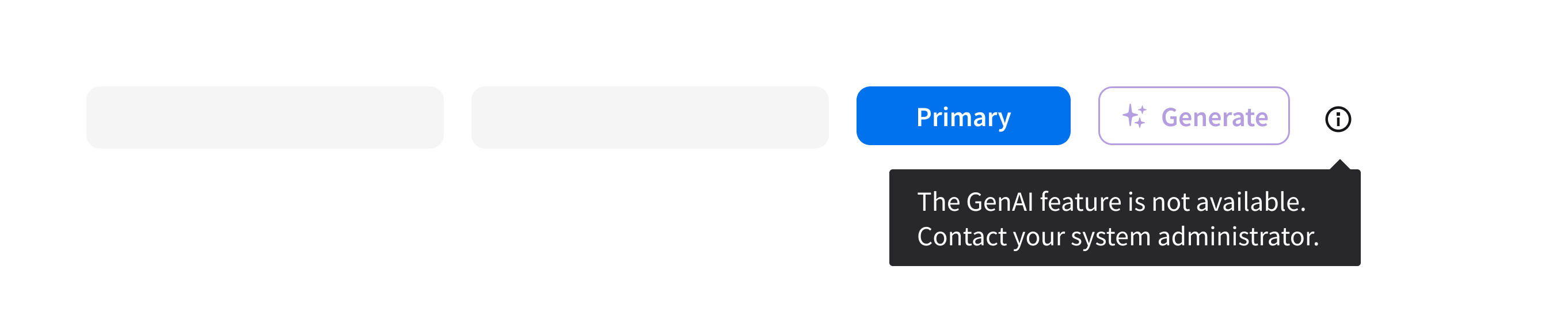
Use the secondary button when a popup has a primary action—“Apply”, “Save”, or “Cancel”— and “Generate” is an additional action on the page or popup.
Tertiary Button
Use the tertiary button in the following cases:
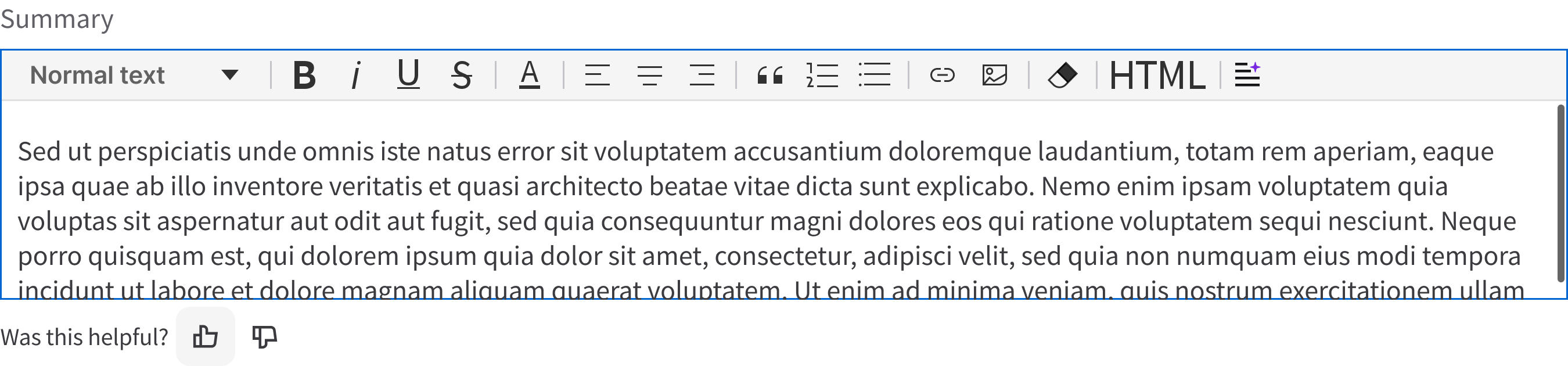
- Inside a text field when you want to generate a response.
- Inside an input. When hovering over the input, the generation icon will appear and is used to autocomplete the field. If there’s an option to fill the entire form, the secondary autofill button is displayed below the form.
- For less prominent and sometimes independent actions. Tertiary buttons can be used in isolation or paired with a primary button when there are multiple calls to action. Tertiary buttons can also be used for sub-tasks on a page where a primary button for the main and final action is present.
Related Pages
- Button
- Easy Harvest UX: Standards and best practices (an Infor SAAM request is required for Wiki access)