June Documentation Guidelines
Design | June 2026
See below for the latest documentation updates. As always, these updates are ongoing—stay tuned as new guidelines are published!
Interactions
Form
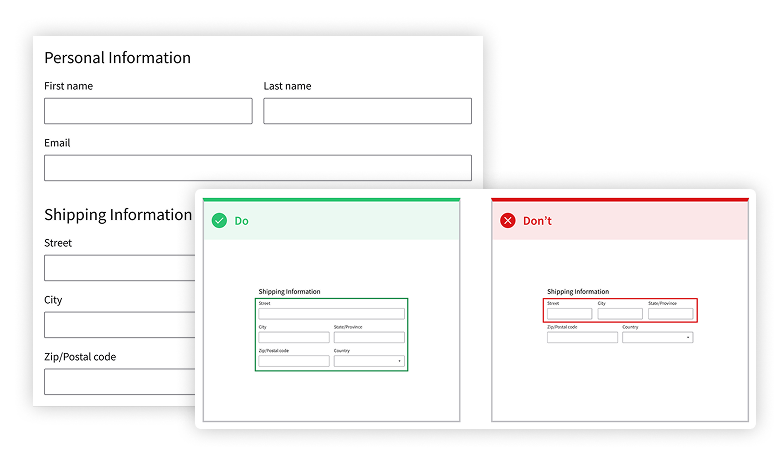
Create a form experience that follows a clear progression from entry to completion, guiding the user through each step with feedback and support. There are tips for grouping fields, structuring layouts, reducing cognitive load, and revealing information gradually.
Notification
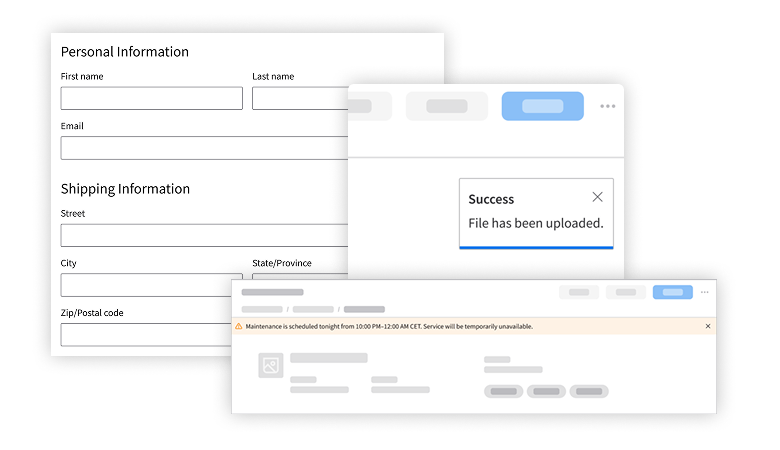
A good notification clearly communicates what happened, why it happened, and what to do next. Learn about the 3 key use cases for notifications, the best components to use in specific situations, and how to ensure that you’re providing the right feedback for the right level of criticality.
Components
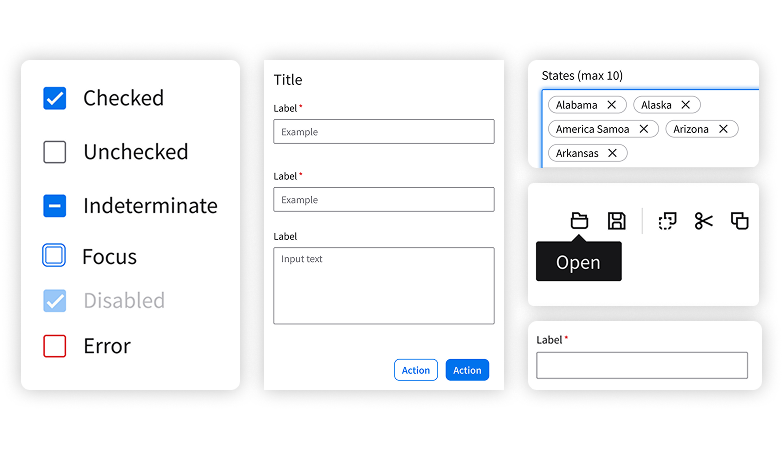
Updated documentation is available for the checkbox, modal, tag, text input, and tooltip. Included are new descriptions of options and variants, details about expected behavior and interaction, visual examples, and plenty of dos and don’ts.