
Not All Errors Should Stop the User
Design | June 2026
Encountering errors is inevitable. But by surfacing errors carefully—and communicating them clearly—you’ll keep the user moving instead of interrupting their flow. Here’s how to choose the right error pattern to help the user stay focused on their task instead of dealing with unnecessary disruptions.
Match Severity to Impact
As a general rule, the more critical the issue, the more visible and persistent the message should be.
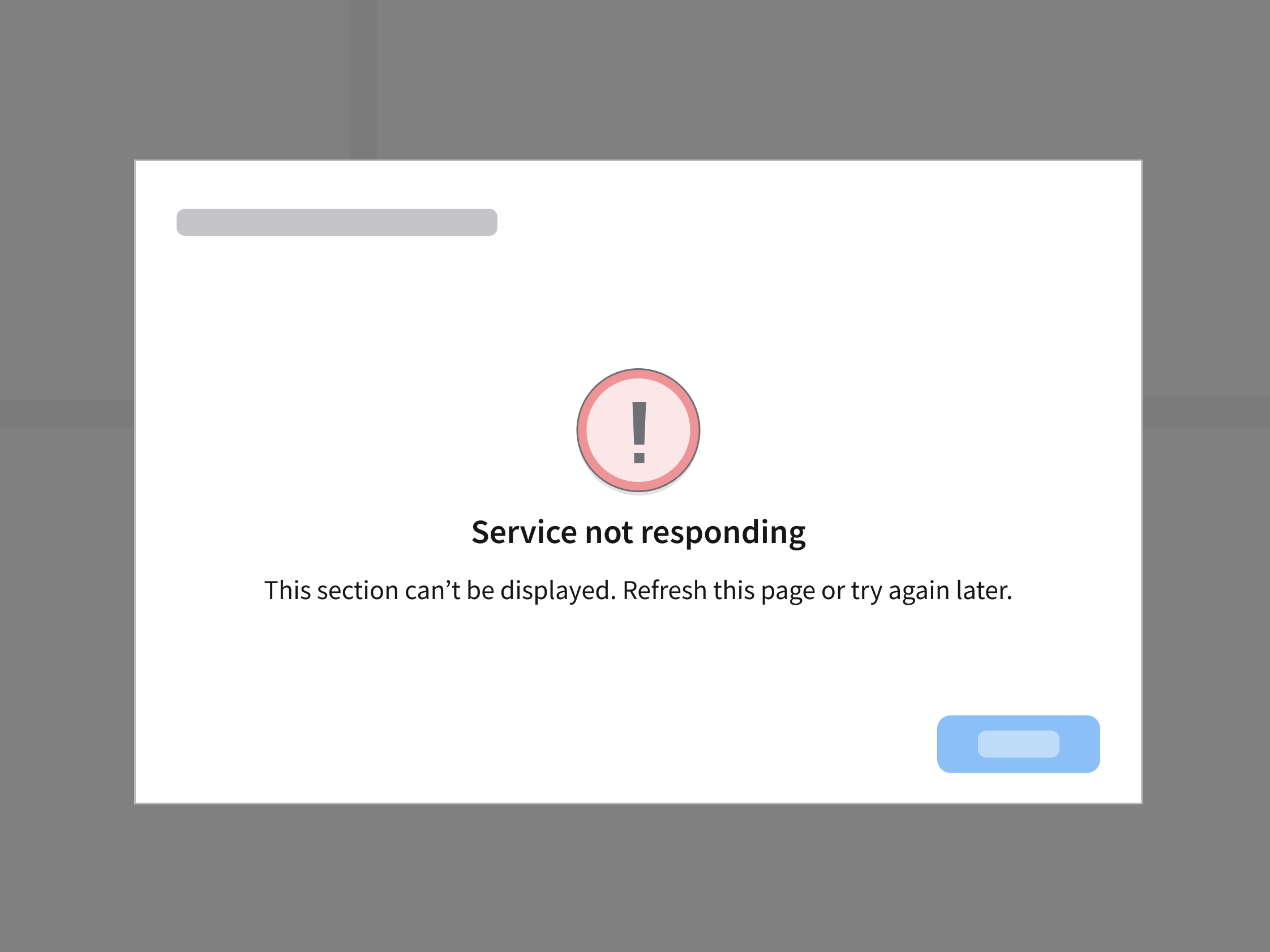
Background Issues
When the user can continue working, use lightweight feedback like a notification banner.
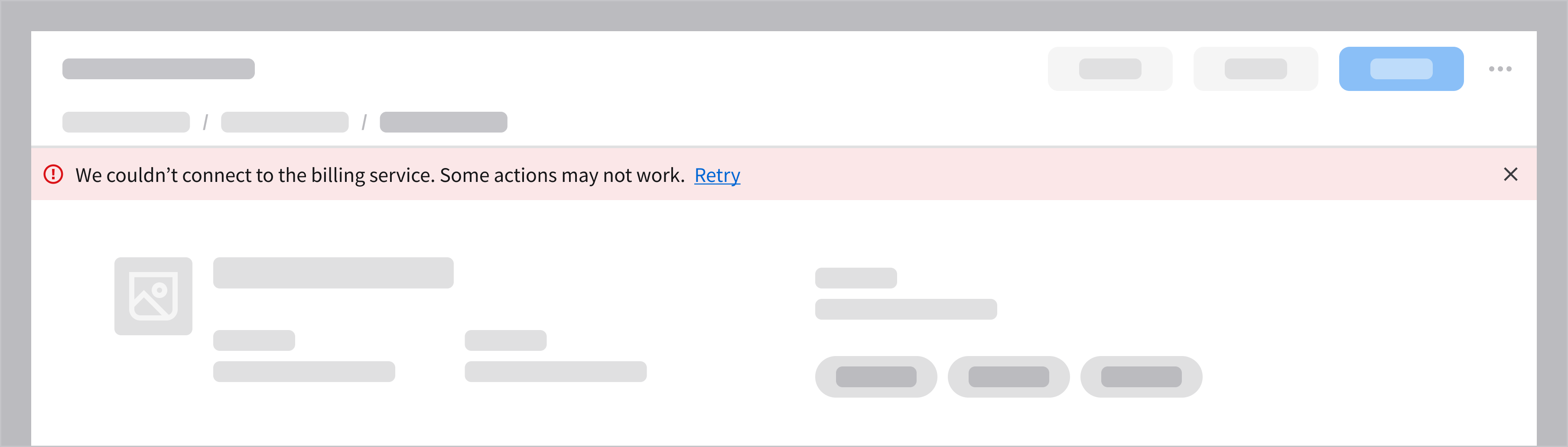
Validation Errors
Keep feedback close to the source of the error. So the user can fix an issue quickly without losing context, show an inline message.
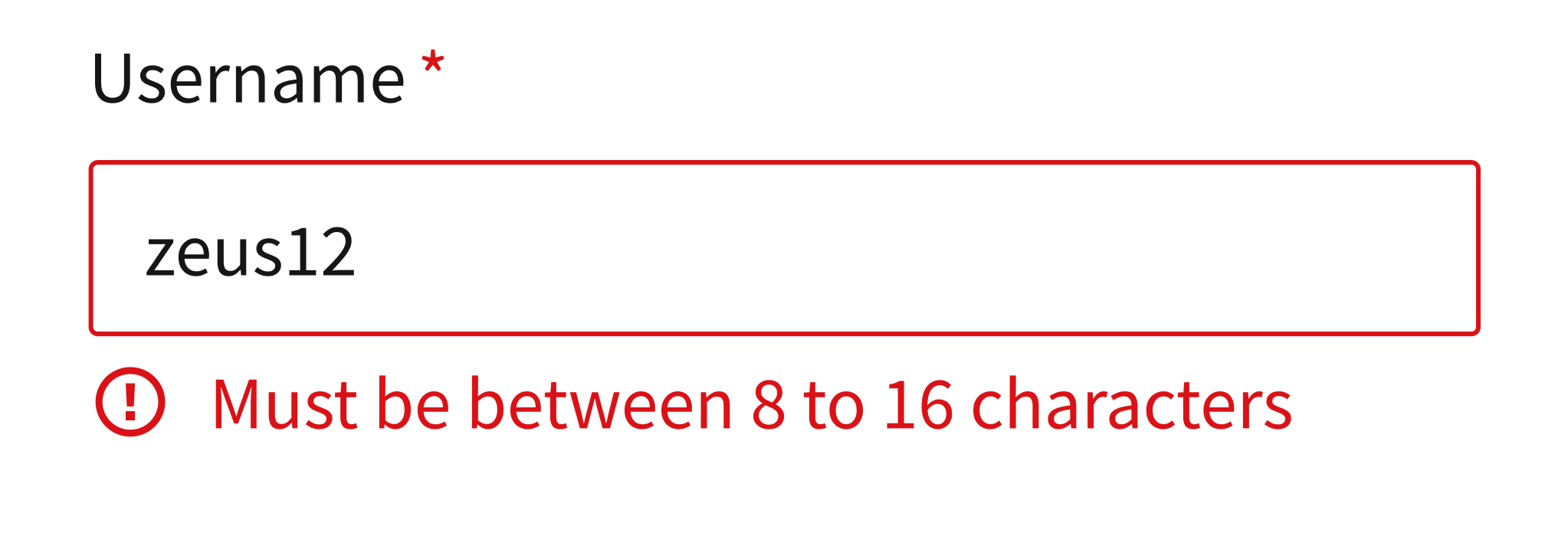
Blocking Errors
Reserve full-page workflow blockers only for situations where the user truly cannot proceed. In a worst-case scenario, use the empty message component to present the error message.
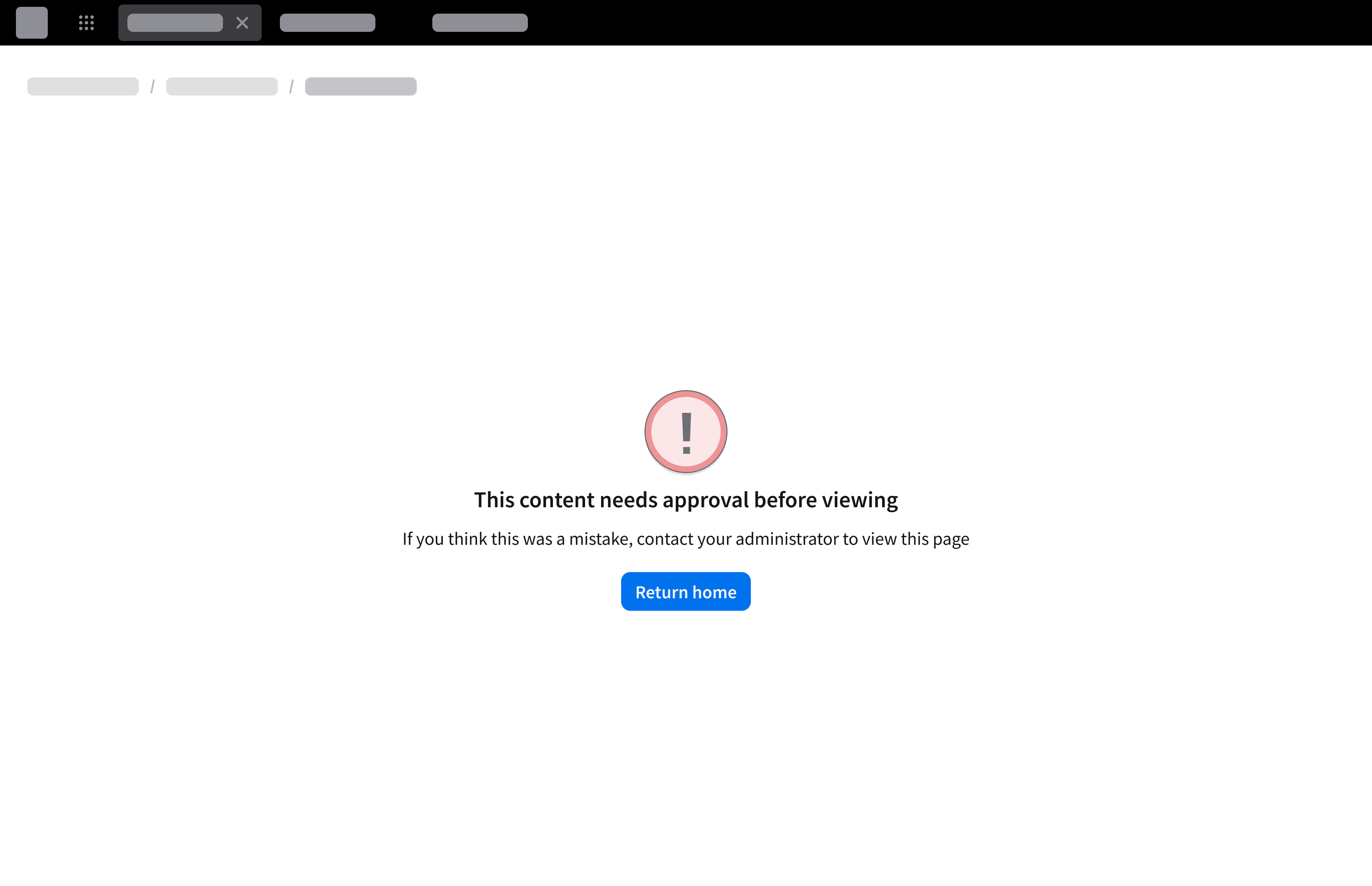
Always start with the least disruptive pattern to support a smoother experience and reduce unnecessary friction. When errors are handled thoughtfully, the user can recover quickly—and keep moving forward. Have a question about a specific error message? Send us a message in the UI-UX Design channel in the IDS Microsoft Team.