
5 Ways to Prioritize Content Effectively
UX Tip | Content
When designing any UI, here’s how to ensure you’re prioritizing the content that’s most important for the user.
- Tailor your content to the user’s specific role and logical workflow.
- Only include information if it’s necessary for the user to take action or make a decision.
- Use clear language for labels to emphasize important content.
- Use visuals and colors to highlight important actions.
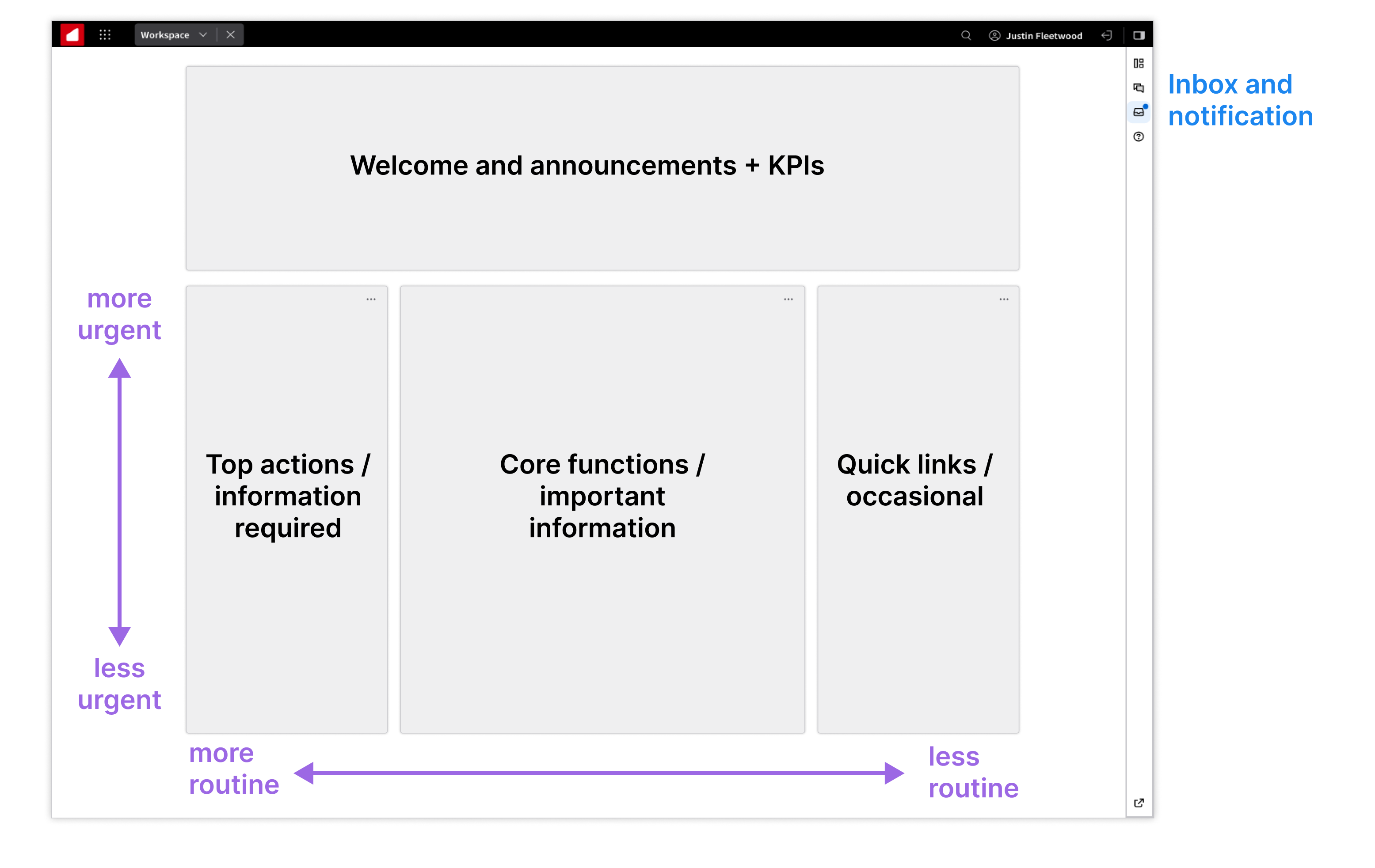
- Order the information by priority—generally cascading from the top left to the bottom right of a page.
To learn more, check out these UX best practices for Workspaces. (A SAAM request is required for Wiki access.)