
5 Dos and Don’ts for Better UX Writing
By Trina Larein Capistrano, UX Writer | February 2026
Using the right words throughout a user interface is vital to improving the overall user experience. Good UX writing ensures that the words, phrases, and sentences in a product—called microcopy—work in conjunction with the visual and interactive elements to guide the user.
UX writing is most effective when it eliminates ambiguity and empowers the user to complete their tasks with confidence. Poorly written microcopy, however, can create confusion, damage trust, and hinder the user’s progress entirely.
As you think carefully about the words you choose, here are some quick tips to help you get started, along with best practices to follow and pitfalls to avoid.
1. Write Clear and Direct Copy
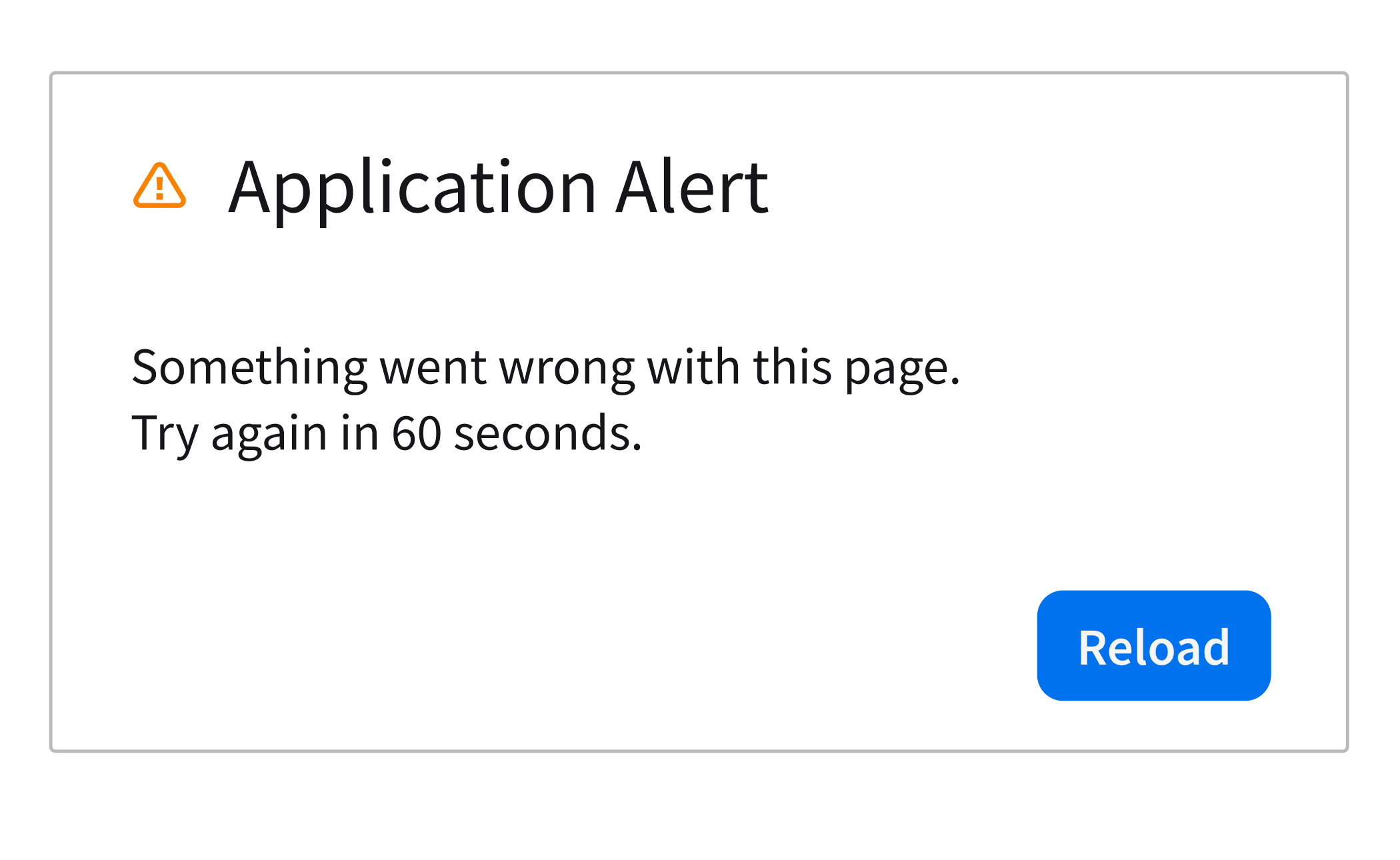
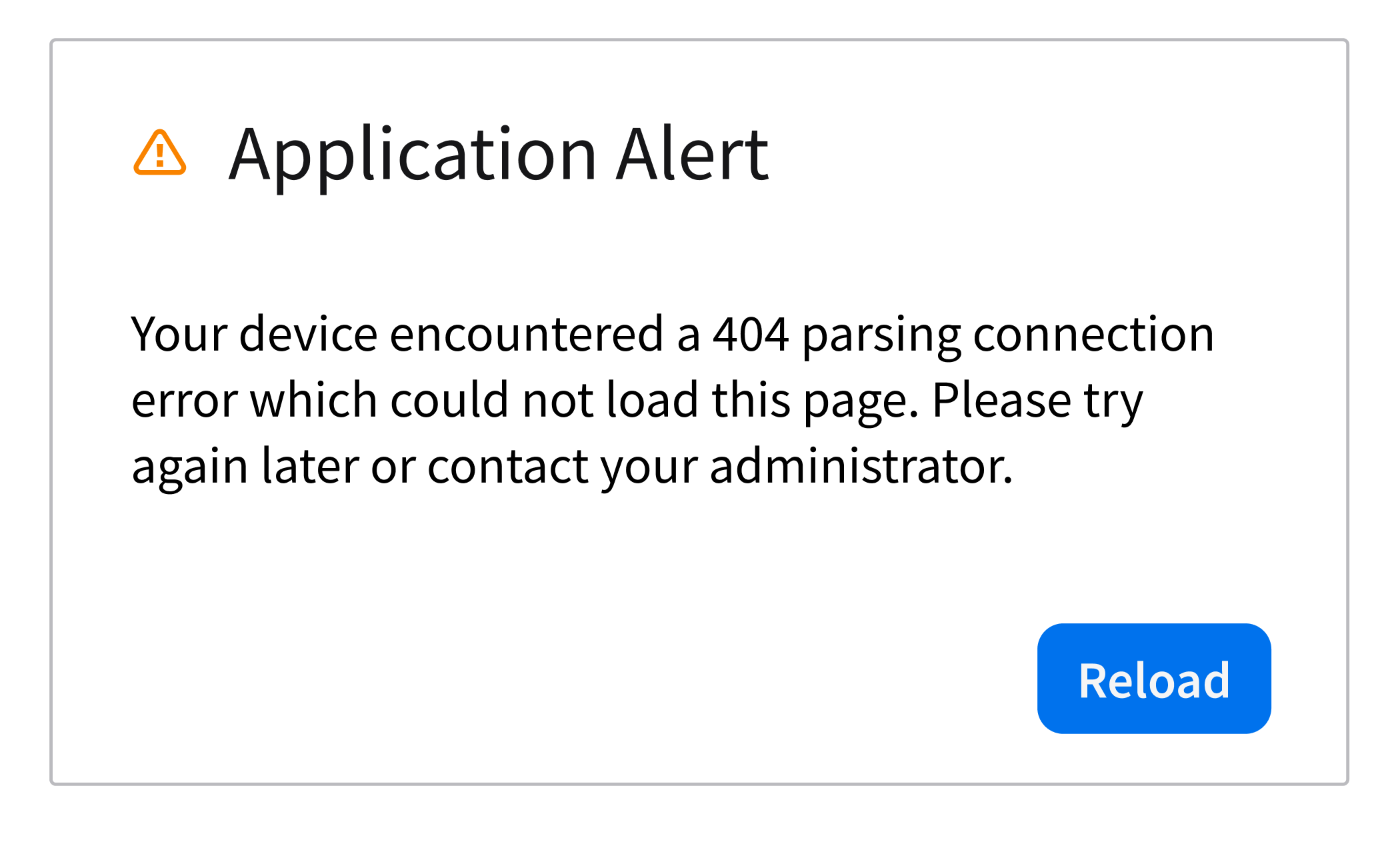
Help the user’s understanding by using plain and straightforward language instead of jargon and overly technical phrasing. Focus on the important message that the user needs to know.
Do
Don’t
2. Be Consistent
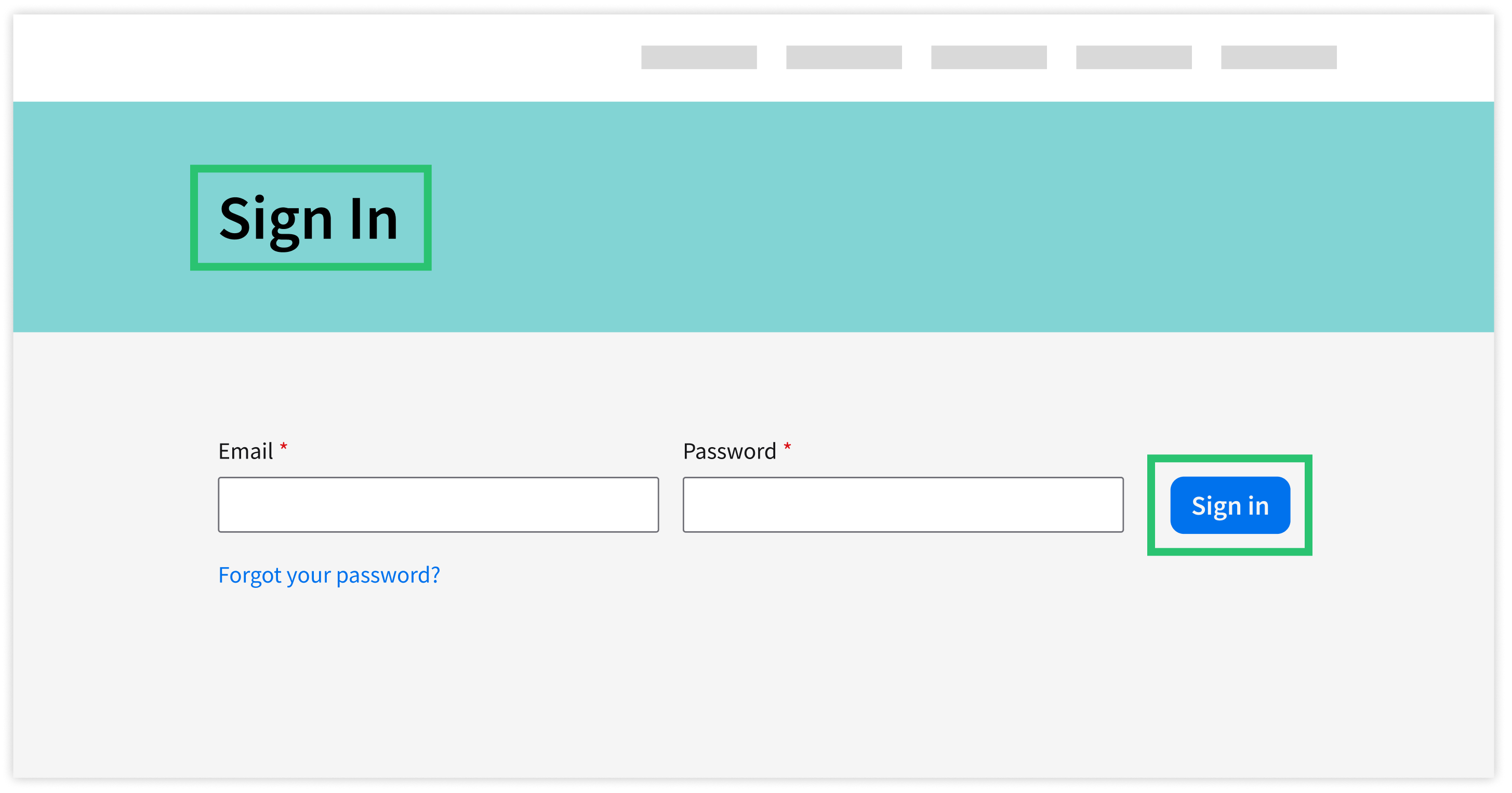
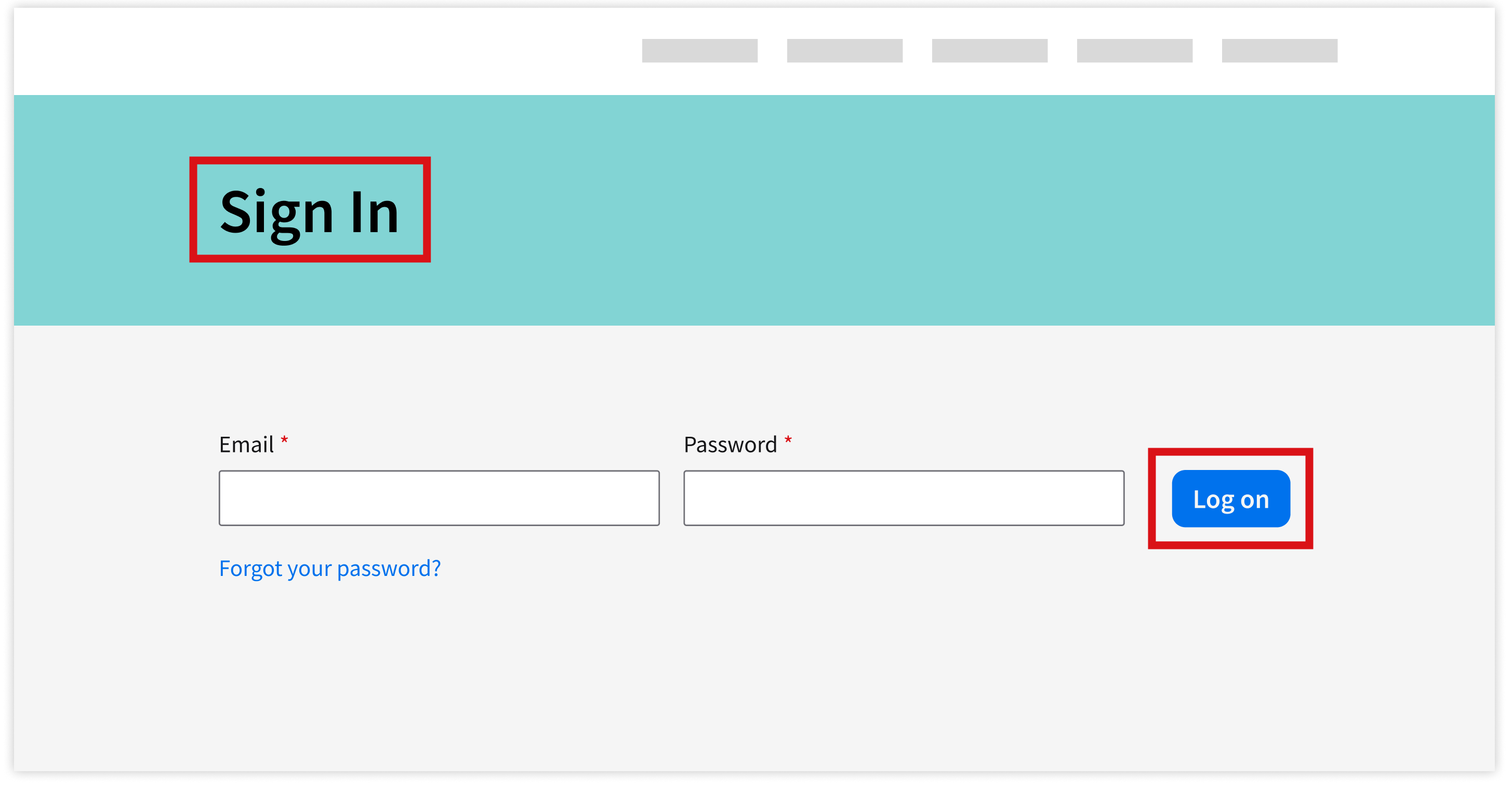
Use the same terms for the same actions across the product. Inconsistency breaks the flow. Make sure to check existing patterns and established terms before adding new words or phrases.
Do
Don’t
3. Be Concise
The user should be able to understand the message at a single glance. Omit words that may distract them. Keep sentences short so that the main point stands out.
Do
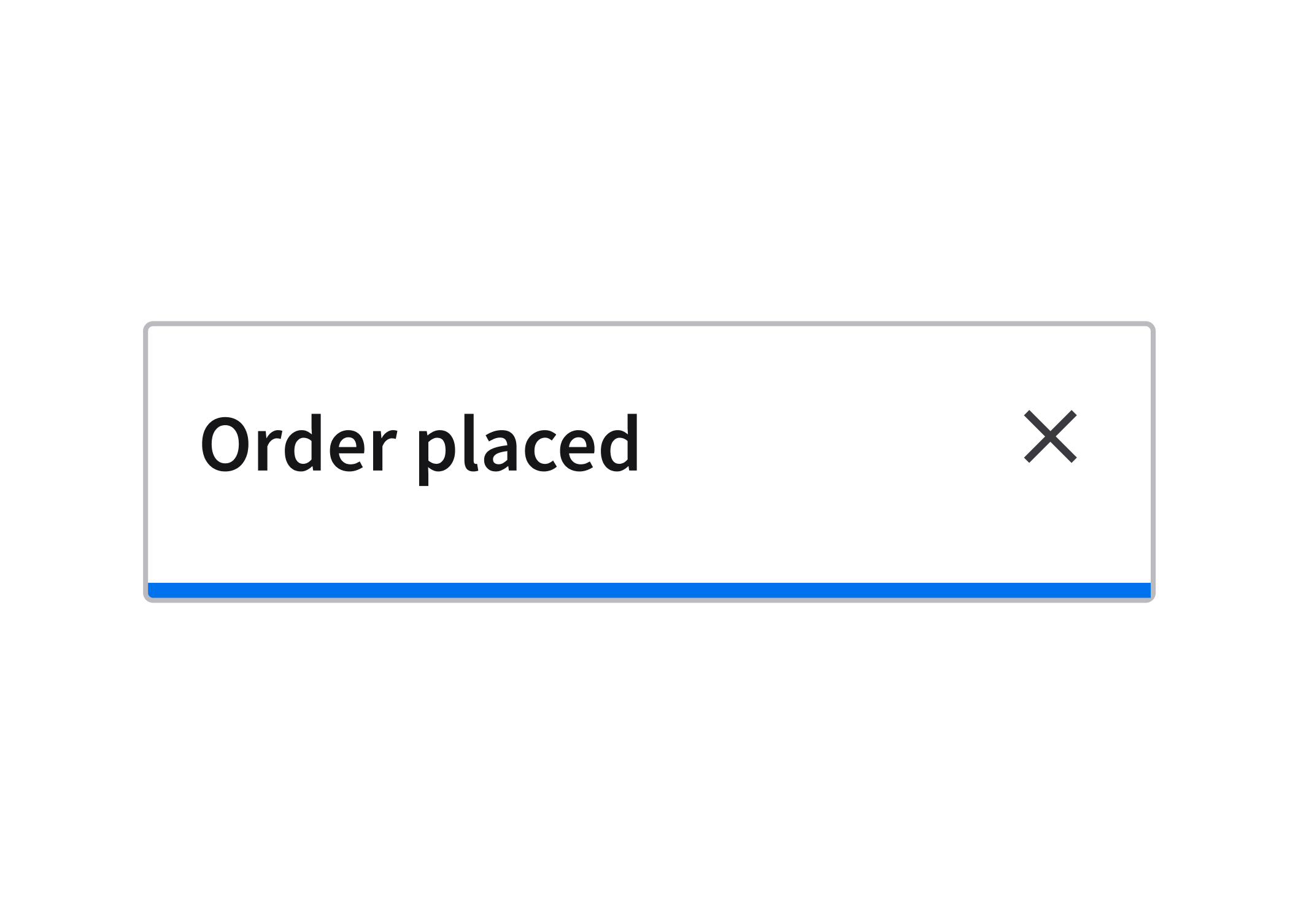
Don’t
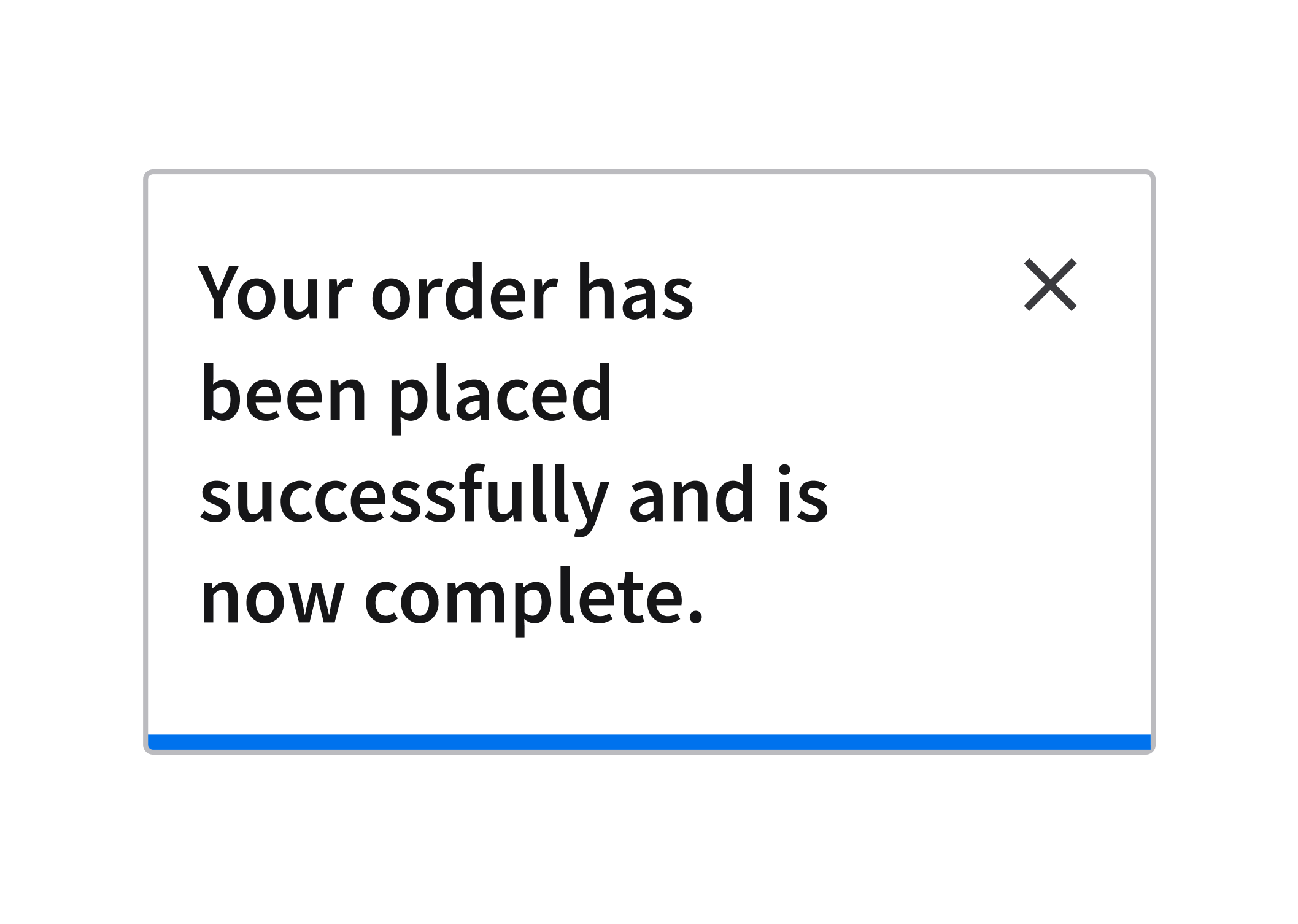
4. Write for the User
Address the user’s goals instead of highlighting the product’s internal features. Talk about the actions and the outcomes that the user cares about. Communicate in a way that keeps the user in mind and reflects their perspective.
Do
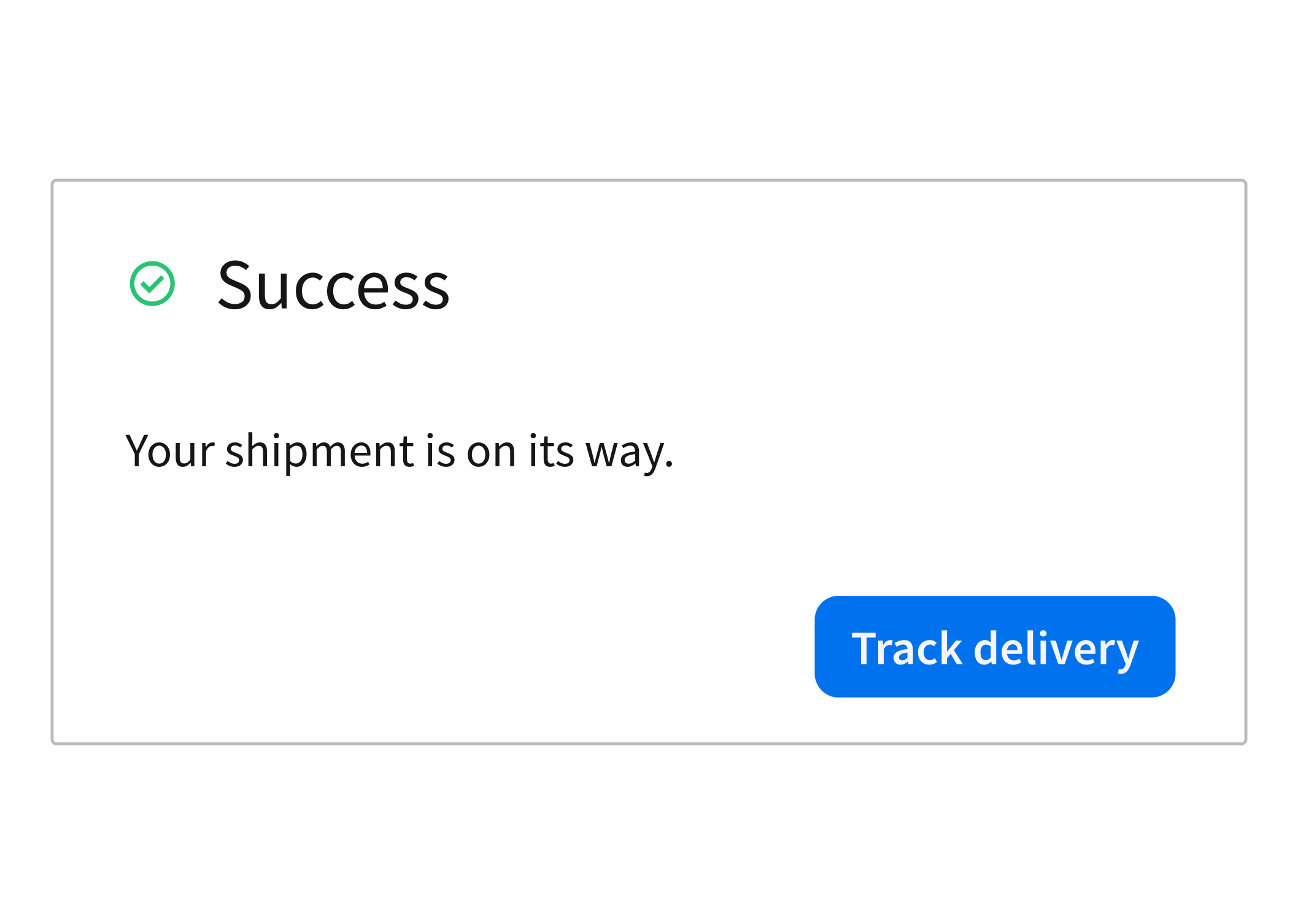
Don’t
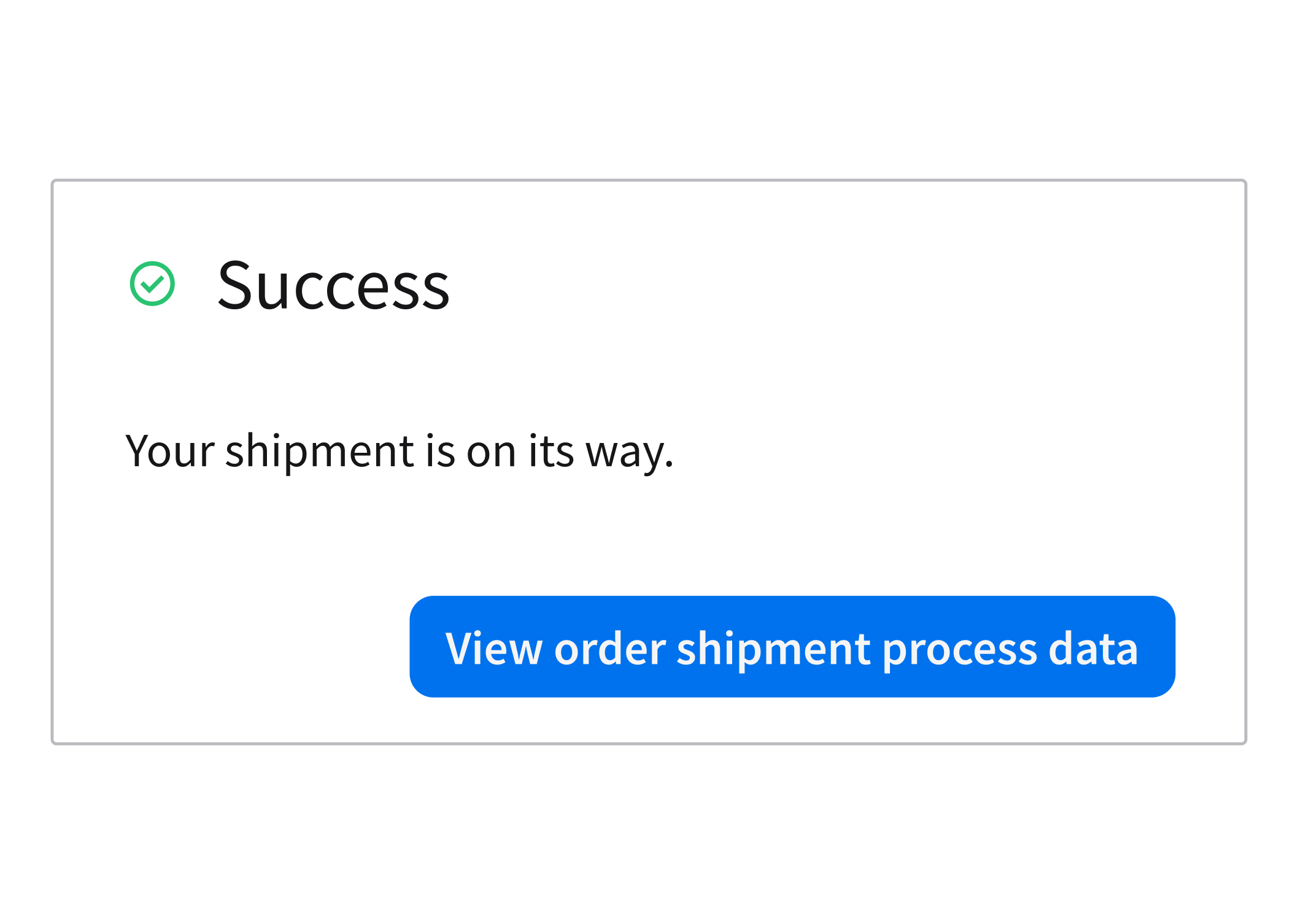
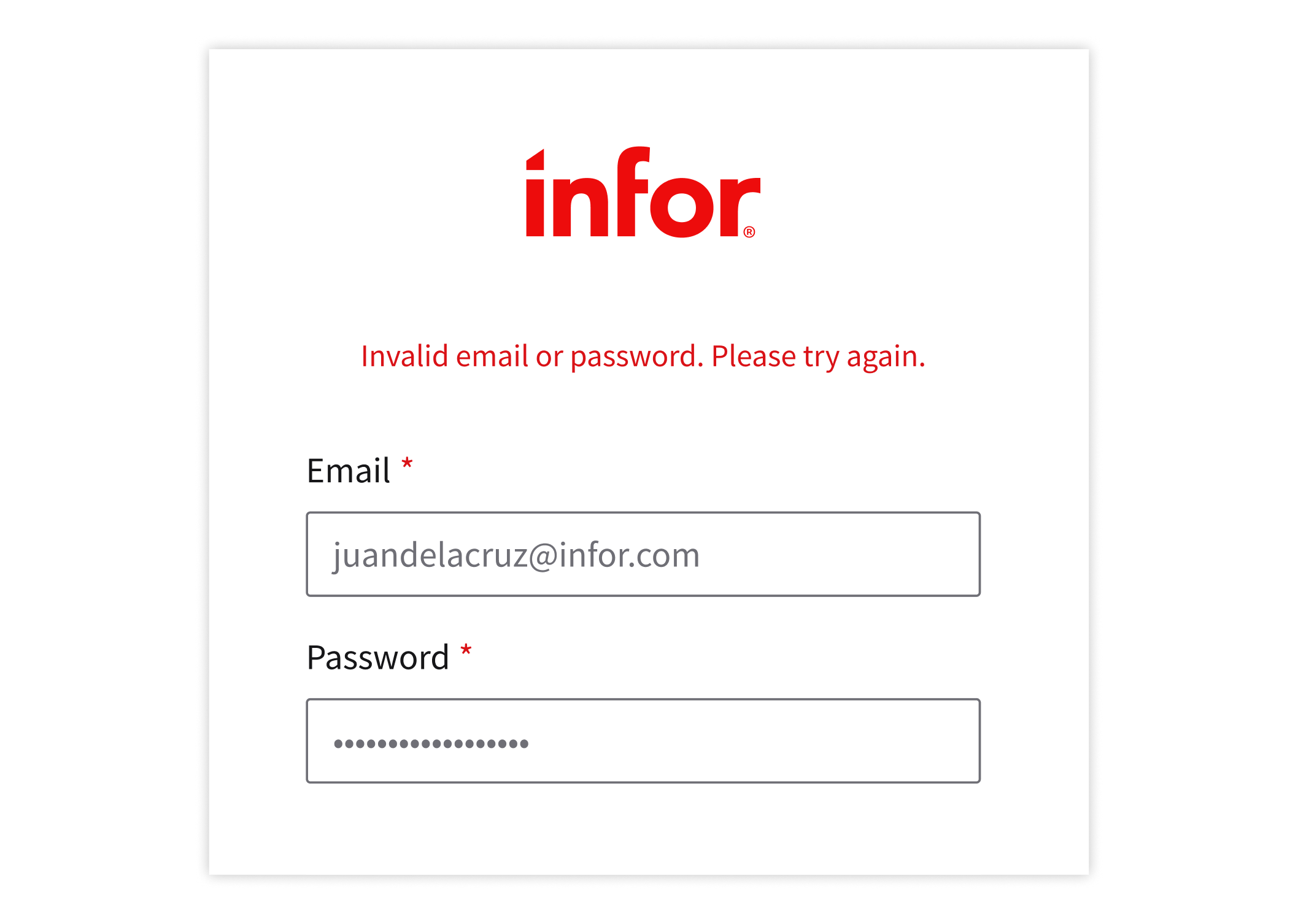
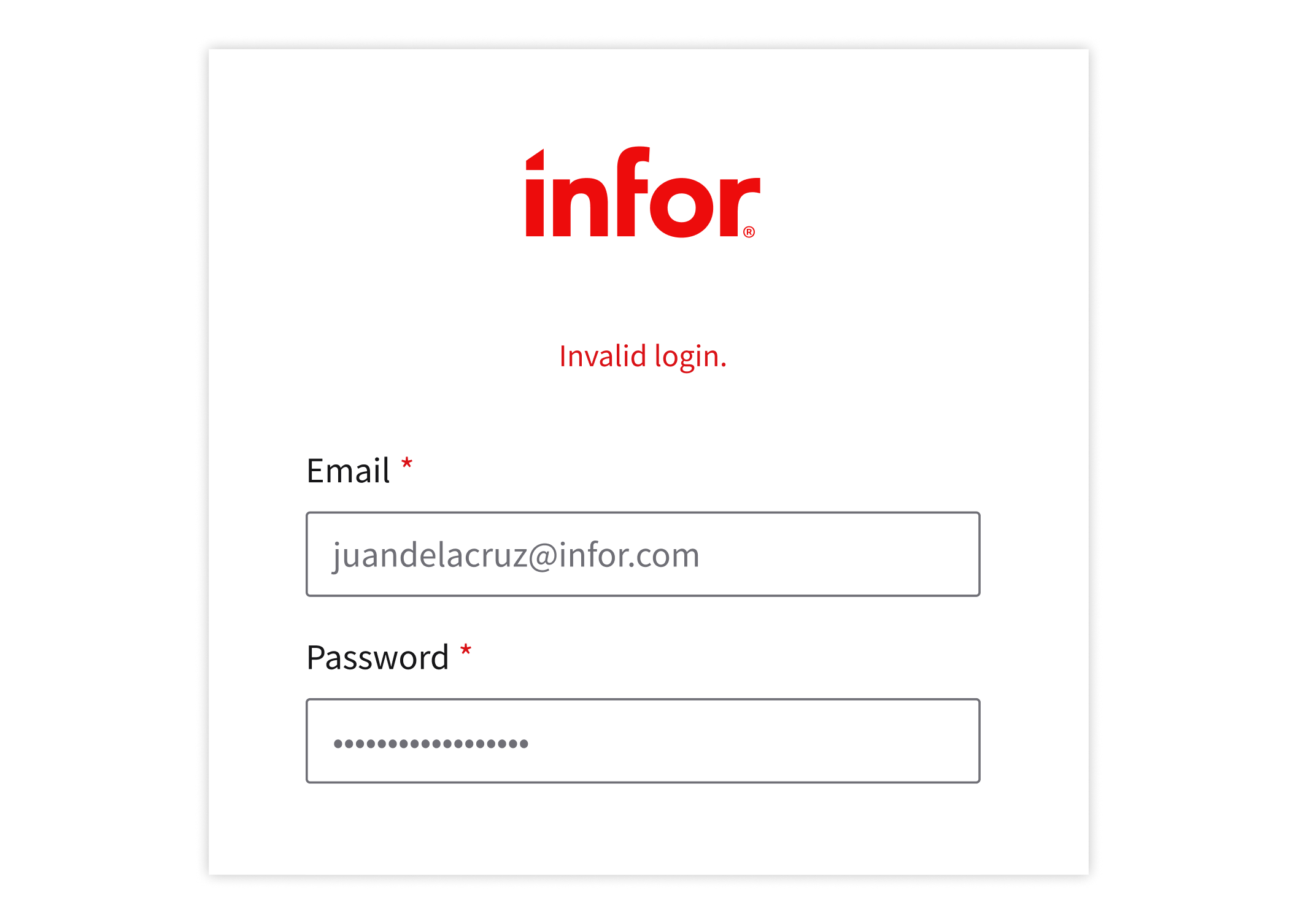
5. Offer Guidance
Be ready to provide a clear next step. Provide information that helps the user proceed or recover from an error. Each message should make the user feel confident about navigating to what’s next.
Do
Don’t
Learn More
The UX writing style guide is for everyone working on our products—whether you’re debating the best word to use for a button or just want to double-check that you’re capitalizing a heading correctly.