
New Component Anatomy Images
Design | November 2025
80 components now have anatomy images that you’ll find on the new “Overview” tabs, which have been added to each individual component page. The anatomy introduces the foundational elements that make up the component and establishes corresponding terminology used within the documentation.
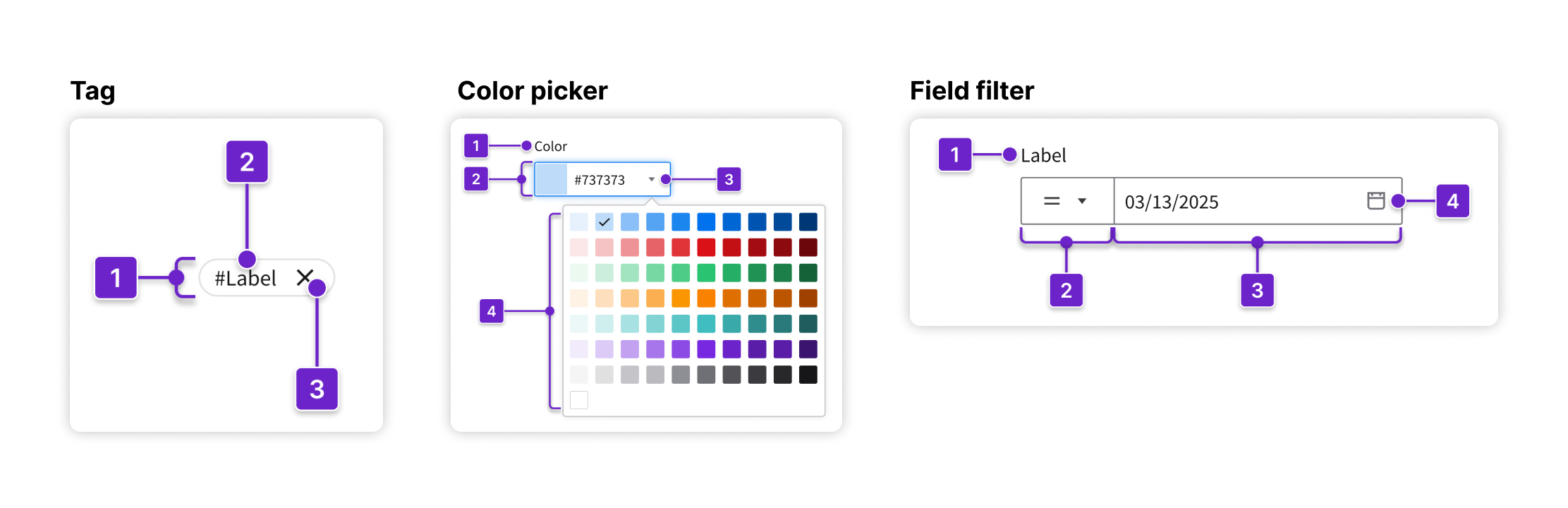
Be sure to also refer to the “Guidelines” tabs for considerations to help you design and implement each component in a way that creates an effective and intuitive user experience.
If you have questions or feedback, join the IDS Microsoft Team.